
| To Edit your app profile: 1. Click on the profile badge in the top left corner of the app. | 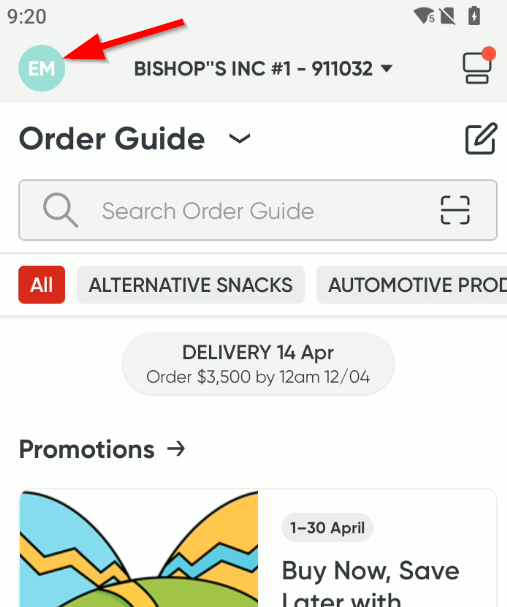 |
| 2. Click on the "View Profile" Link. | 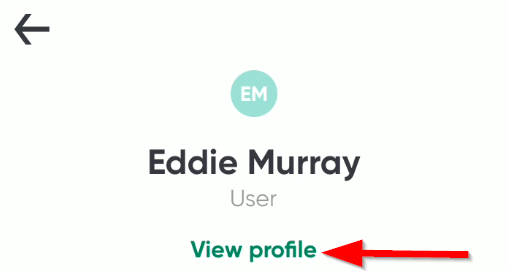 |
| 3. Scroll down and click on the "Update account" button. | 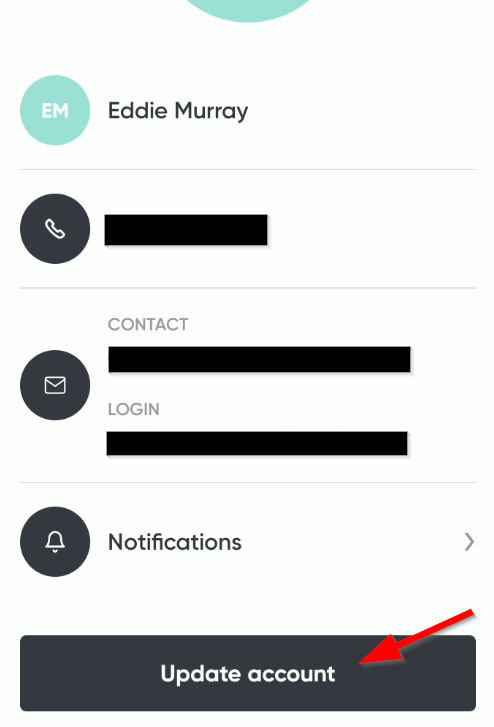 |
| 4. Make any changes needed and then click the "Update" button. | 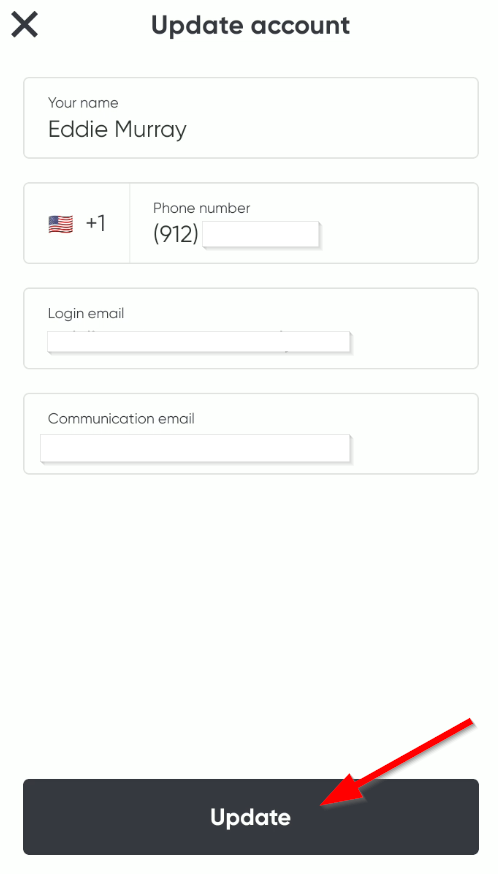 |
| 5. To change what notifications you receive, click on the "Notifications" section. | 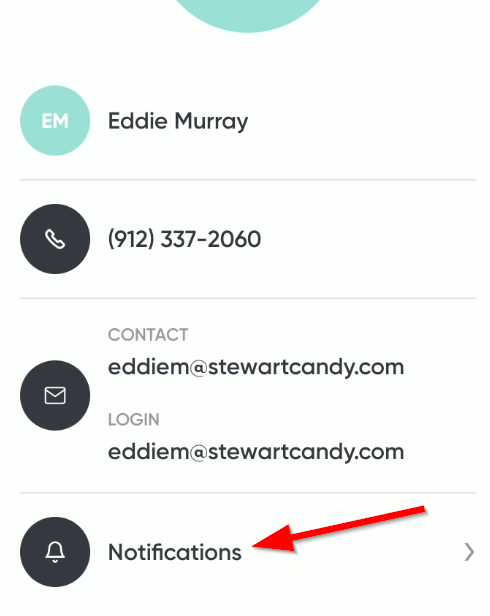 |
| 6. Select all to recieve important communications from the app on your device. * Alternate permission may be required by your device to allow notifications, refer to your device guide. | 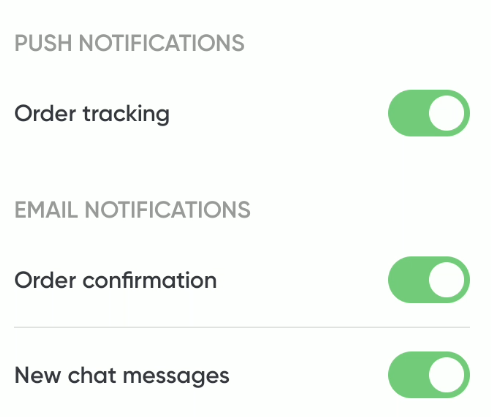 |
Editing your Stewart App Profile Print
Created by: Eddie Murray
Modified on: Mon, 13 Apr, 2026 at 9:29 AM
Did you find it helpful? Yes No
Send feedbackSorry we couldn't be helpful. Help us improve this article with your feedback.