
| 1. Open the app and click on the arrow beside "Order Guide" 2. Scroll down until you see the "New Order Guide" option 3. Click on New order guide. | 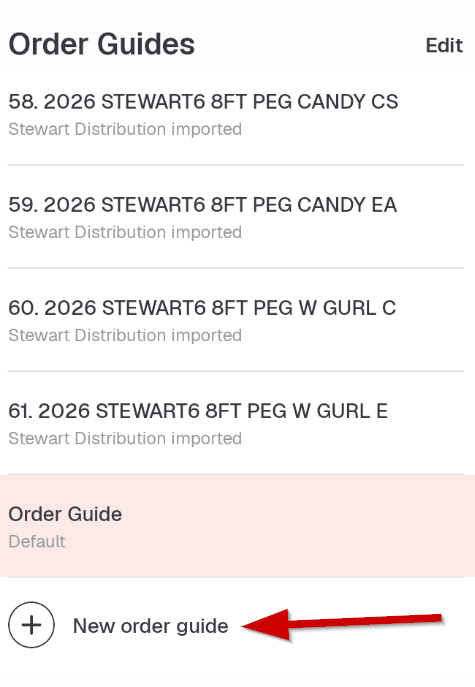 |
| 4. Name your new order guide and click Create 5. Follow instructions on the screen. | 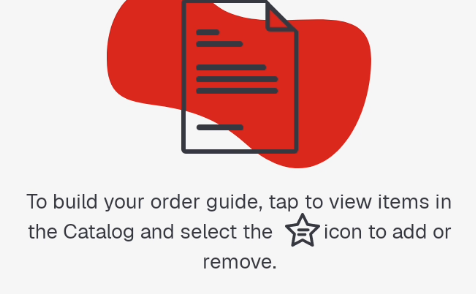 |
| 6. To add to your new Order Guide: - Select an item and then click on the star icon beside the carton or each of the item - Then in the sub-menu select the new order guide that you created. - Click Done. | 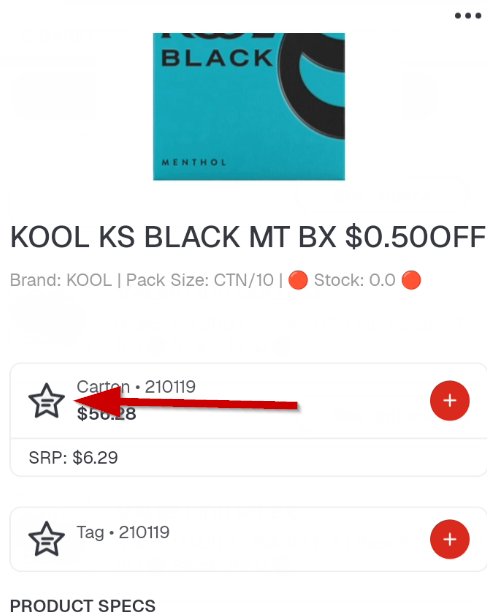  |
| When adding items is complete, go back to order guides and select the Order Guide you created and all your items will be shown. | |